Typing Games Test to Strengthen Keyboard Speed and Accuracy
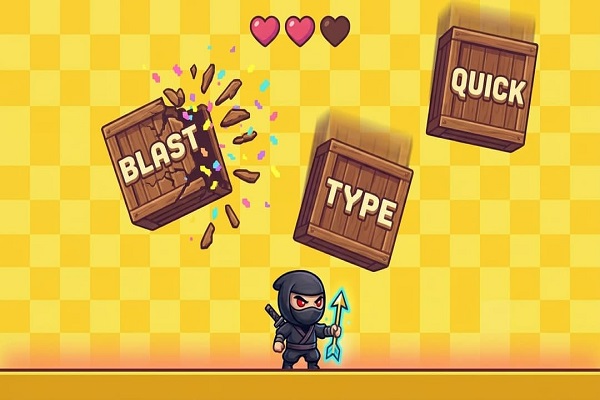
Developing strong keyboard skills can make everyday computer tasks easier, quicker, and more comfortable. Students, professionals, and beginners can all benefit from regular typing exercises that build accuracy alongside speed. A Typing Games Test turns this practice into an enjoyable activity by combining keyboard challenges with interactive tasks. Instead of repeating ordinary text, learners respond to words, letters, and timed exercises while improving their control. With a suitable difficulty level and consistent sessions, anyone can develop better typing habits and gain confidence when working on a computer.
Turn Keyboard Practice Into an Engaging Activity
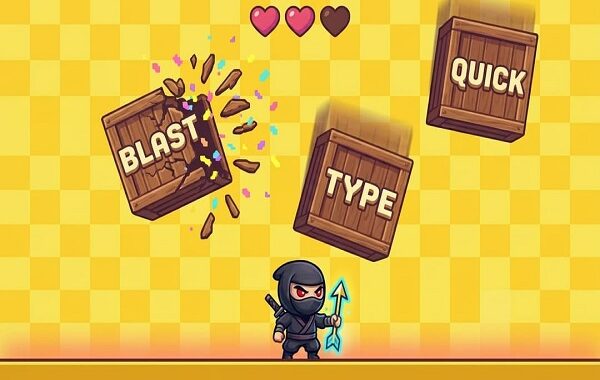
Traditional typing lessons sometimes feel repetitive, especially for beginners. Interactive challenges introduce movement, targets, and short goals that make practice more interesting. A Typing Games Test encourages learners to focus on the screen, locate keys quickly, and enter words correctly.
Different activities develop different abilities. Some challenges reward quick responses, while others focus on correct spelling or completing sentences. This variety keeps sessions fresh and gives learners several ways to strengthen their keyboard control.
How a Typing Games Test Improves Performance
Typing improvement depends on two important measurements: speed and accuracy. Speed generally measures words typed per minute, while accuracy reflects the percentage of correctly entered characters or words. A Typing Games Test helps users observe both results during practice.
However, speed should not become the only objective. Rushing often creates mistakes, which can slow down overall performance. Start with a comfortable pace and gradually increase difficulty. When correct keystrokes become consistent, faster typing usually develops more naturally.
Explore Different Game Formats
A variety of game formats can make keyboard training suitable for different learning styles.
- Word challenges: Type displayed words before the timer expires.
- Letter exercises: Find individual keys and improve finger familiarity.
- Sentence activities: Practise punctuation, spacing, and complete phrases.
- Accuracy rounds: Focus on entering every character correctly.
- Timed competitions: Complete typing tasks within a fixed period.
A Typing Games Test featuring multiple formats can help users identify their strengths and work on weaker areas. Switching between activities also prevents practice from becoming monotonous.
Develop Better Finger Placement
Correct finger positioning creates a foundation for efficient typing. The home row provides a starting point, with fingers resting around the A, S, D, F and J, K, L keys. From there, each finger can reach nearby keys without unnecessary hand movement.
During a Typing Games Test, beginners should concentrate on finger placement instead of watching their hands. Although this approach may initially feel slower, it encourages muscle memory. Over time, users can recognize key positions without consciously searching for them.
Make Typing Practice Suitable for Students
Students frequently use keyboards for assignments, online research, examinations, and digital communication. Better typing ability can help them complete these activities with less effort. Short practice sessions also fit easily into a school or college routine.
Teachers and parents can introduce a Typing Games Test as an additional learning activity. Children can begin with simple letter challenges before progressing towards longer words and sentences. Nevertheless, practice should remain enjoyable rather than becoming another source of pressure.
Track Progress Through Regular Challenges
Visible progress helps learners understand whether their efforts are producing results. Record the starting speed and accuracy, then compare later scores after several sessions. A Typing Games Test provides useful feedback by highlighting improvements and recurring mistakes.
Set realistic weekly targets instead of expecting immediate results. For example, concentrate on reducing spelling errors before aiming for a higher typing speed. Also, repeat challenging exercises until the keyboard movements feel more familiar.
FastFingers offers an opportunity to make keyboard practice accessible and engaging. Users can explore typing activities, assess their performance, and develop a consistent learning routine. Regular participation can turn small improvements into stronger digital skills.
Fast Typing Fingers and Consistent Learning Habits
Fast Typing Fingers reflects the goal of developing quicker keyboard responses without sacrificing accuracy. Learners can work towards this ability through focused exercises, correct finger positioning, and regular challenges. Rather than rushing through every activity, they should build reliable habits first. Gradually, repeated practice helps improve coordination and confidence when entering text. This approach supports students, office workers, and anyone who uses a computer regularly.
Avoid Common Mistakes During Practice
Several habits can limit typing improvement. Looking at the keyboard repeatedly interrupts concentration and makes finger movement less consistent. Similarly, pressing keys too forcefully can create unnecessary tension.
Another common problem involves practising only familiar words. Include different letter combinations, punctuation marks, numbers, and sentence structures to develop broader skills. When using a Typing Games Test, read the instructions carefully and select activities that address specific weaknesses.
Take short breaks during longer sessions. Relaxed hands and comfortable posture can make keyboard practice easier to maintain. Keep the screen at a suitable height and avoid bending your wrists excessively.
Conclusion
Strong typing skills develop through patience, repetition, and attention to accuracy. Interactive challenges offer an enjoyable way to strengthen keyboard familiarity while tracking measurable progress. A Typing Games Test can support learners at different experience levels, from basic key recognition to advanced timed exercises. FastFingers provides a useful starting point for building a regular practice routine. Focus on correct finger placement, explore different game formats, and set achievable targets. With consistent effort, faster responses and greater confidence can become natural parts of everyday computer use.
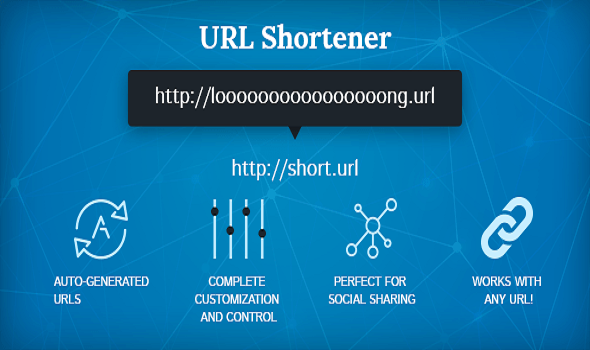 Custom Short URL Strategies for Stronger Brand Growth Online
 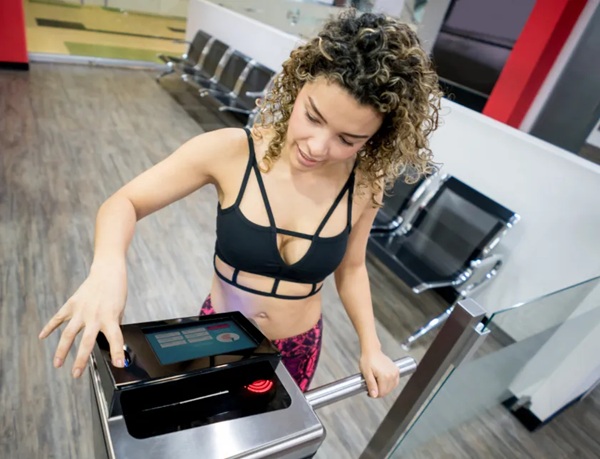 Biometric Software for Gyms Improves Security and Member Access Easily
 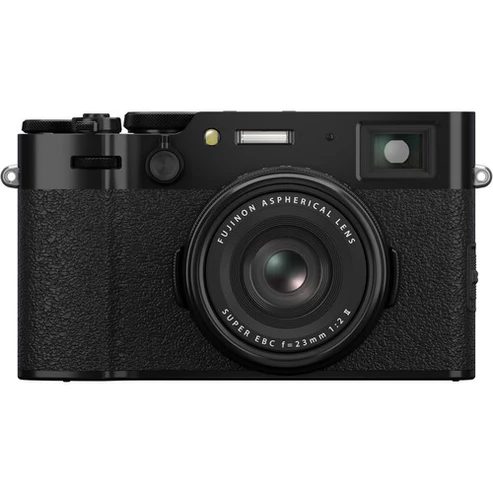 ffuji x100vi: The Perfect Compact Camera for Photography Enthusiasts
  Custom Gym and Fitness Software for Smart Gym Management
  Cloud Management Services for Reliable Business Infrastructure
  Vivo T5 Pro 5g Bringing Advanced Smartphone Performance
  VPS Hosting Provider: Reliable Hosting Solutions for Growing Businesses
  Typing Games Test to Strengthen Keyboard Speed and Accuracy
  Da Nang combo tour: Explore Vietnam’s Top Attractions in One Trip
  Bathroom Sink Cabinets for Better Storage and a Beautiful Bathroom